
To download your full Amazon order history, use Amazon's Request your data page: choose your orders, confirm by email, and Amazon emails you a download link when the file is ready. It isn't instant, so if you only need a few orders, Your Orders is faster.
Step by step: Request your data
From Amazon's help page:
- Go to Request your data.
- Sign in to your Amazon account.
- Select the information you want. For order history, choose your orders.
- Select Submit Request.
- Open the confirmation email and select the validation link.
- Wait for a second email with a secure download link, then download your data.
Amazon doesn't say how long the second email takes. It used to offer a quicker order history report for regular accounts and no longer does, so this is the only built-in way to get everything in one file.
Open it in Excel or Google Sheets
- If the download comes as a compressed folder, unzip it first.
- Excel can cut off long numbers such as tracking numbers. Import the file instead of double-clicking it, and set those columns to Text.
- Check whether there's a row per item or per order before you add anything up. Our guide to how much you've spent on Amazon walks through totalling a year.
Faster ways to find a few orders
- One order by number: type the order number into the search box in Your Orders.
- A date range: filter Your Orders by year. Amazon's order history help notes that archived orders only show up when you search or filter for them.
- Charges and refunds: Your Transactions lists each one with its order number and payment method.
- Amazon Business accounts have their own order reports in Business Analytics.
Order missing entirely? It may be on another Amazon account, such as one under an old email address.
Export your orders whenever you want
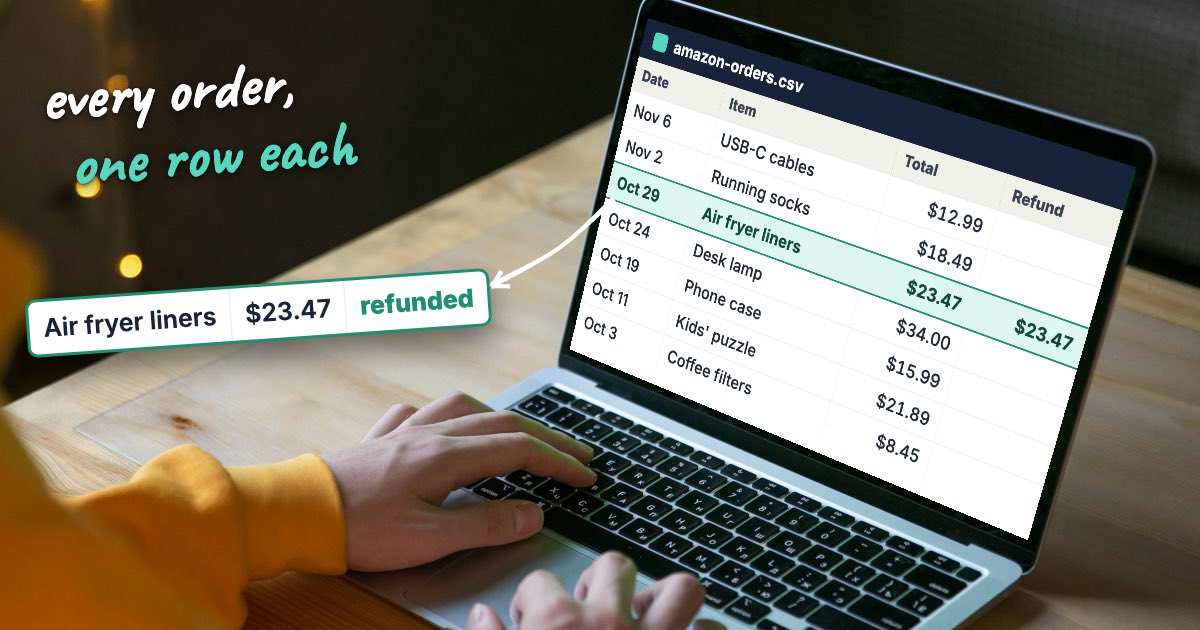
Recoup Hero keeps your Amazon orders synced and exports them to Excel or CSV in a few clicks: order date, order number, totals, tax, shipping, payment method, refund status and amount, return-by date, and whether each charge matched your bank, with one row per item if you want it. It covers up to two years of orders, depending on your plan, and new orders are added as you place them.
Can I still download an Amazon order history report?
Not the old one-click report: Amazon no longer offers it to regular accounts. The way to get your full order history as a file now is the Request your data page, which emails you a download link.
How long does Amazon take to send my data?
Amazon doesn't say. You confirm the request through a link in an email first, and Amazon sends a second email with a secure download link when the file is ready.
How do I find an Amazon order by order number?
Type the order number into the search box in Your Orders. If it doesn't come up, check whether the order was archived or placed on a different Amazon account.
Why are some orders missing from Your Orders?
Amazon's help page gives two usual reasons: the order was archived, or it was placed on another account, such as a different email address or an account you used to share. Archived orders turn up when you search for them or filter by the year.
Can Amazon Business accounts download order reports?
Yes. Amazon Business has its own reporting through Business Analytics, separate from the Request your data page regular accounts use.